 Gasp
Gasp


Ready to edit in under half a second
Gasp0.00 s
Apple Notes0.00 s
Obsidian0.00 s
Recorded on a MacBook Pro with M2 Pro. Each app was quit, then opened, and timed from launch to a note on screen. Notes and Obsidian show real notes, blurred.
Quick in huge notes
0 lines
2.2 ms to show each keystroke in it
One frame at 120 Hz is 8.3 ms
- of memory with a vault open
- About 60 MB
- CPU while you read
- Under 1%
Formats as you type
60 words
The whole app
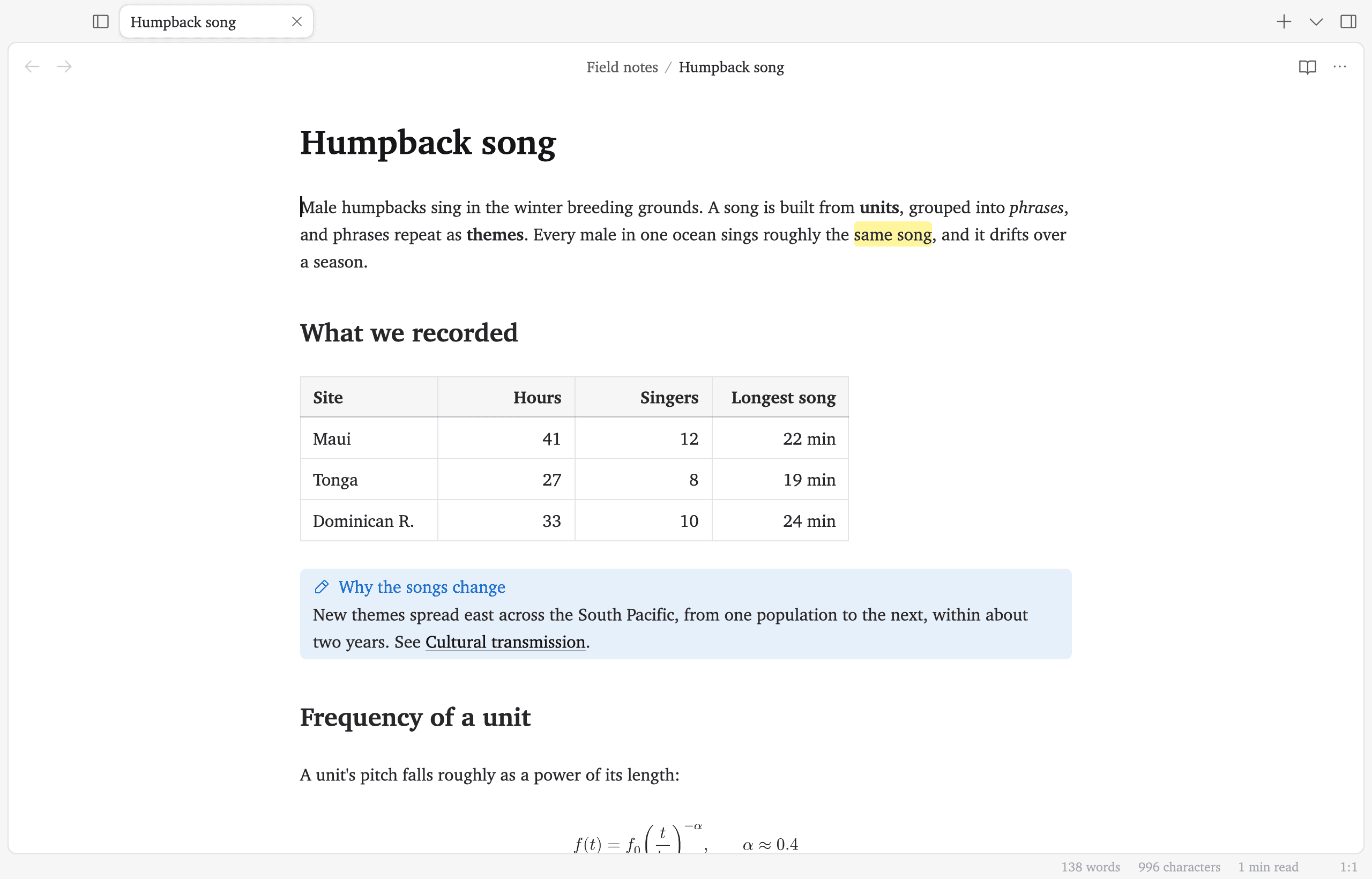
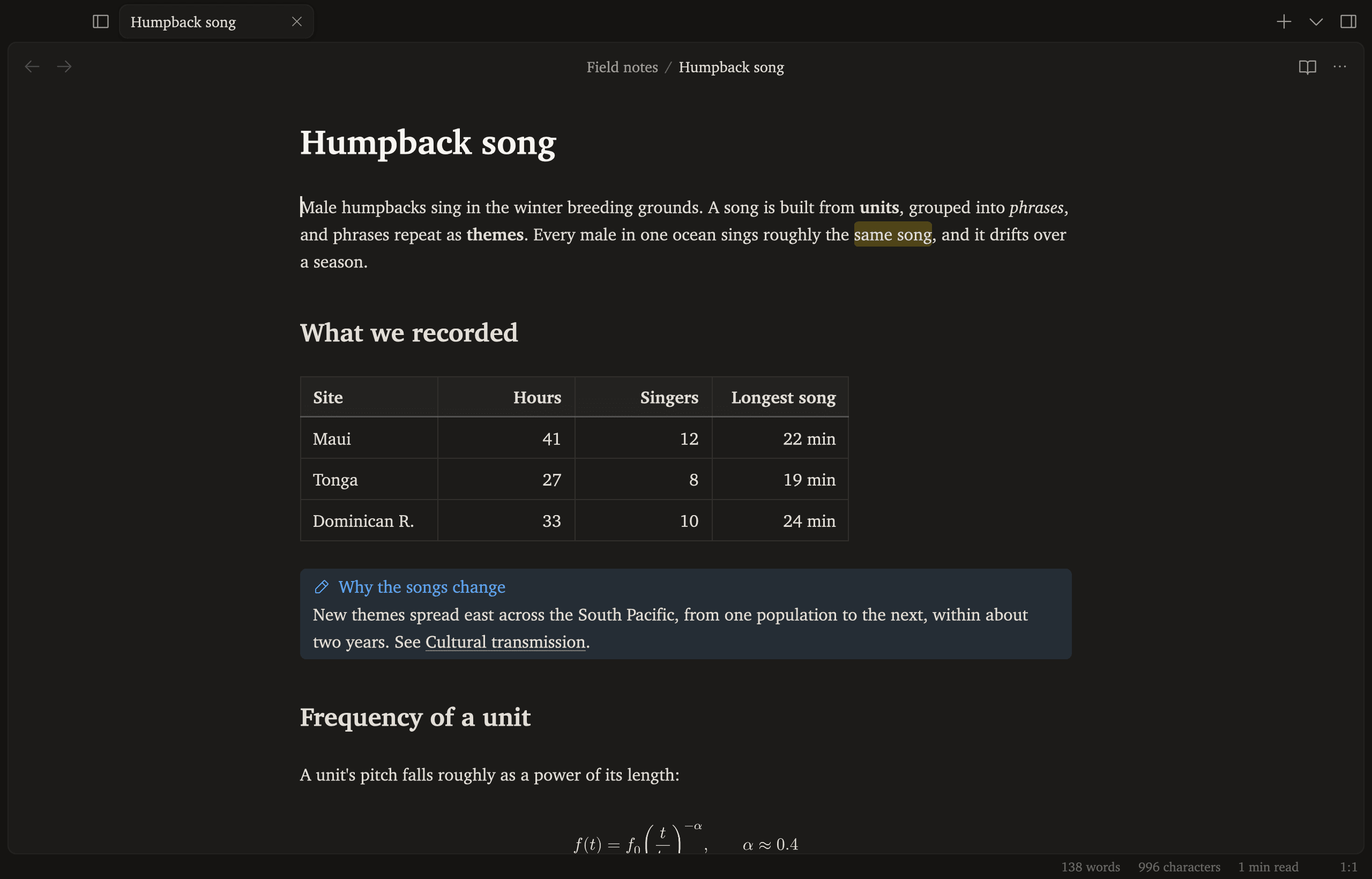
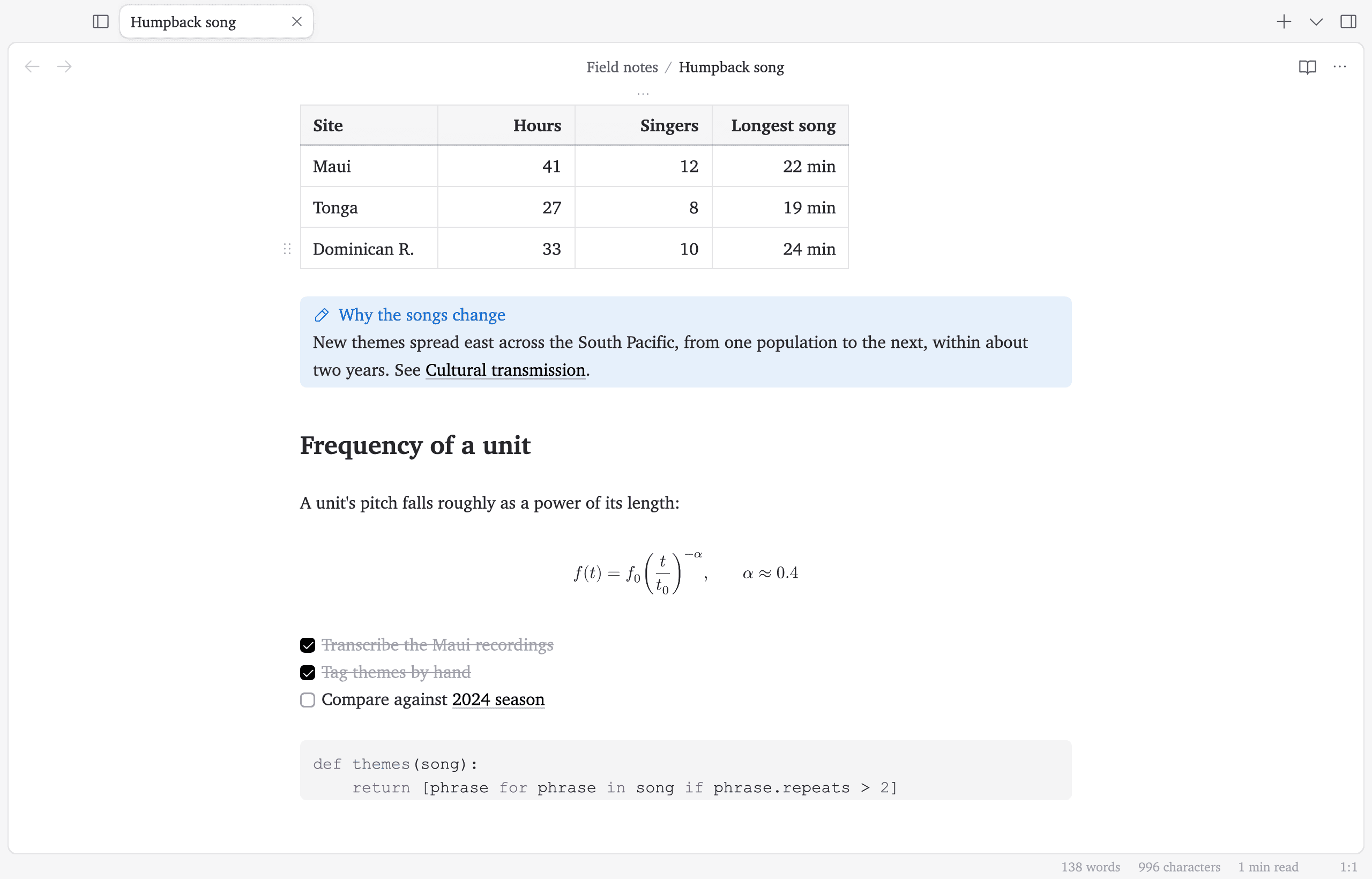
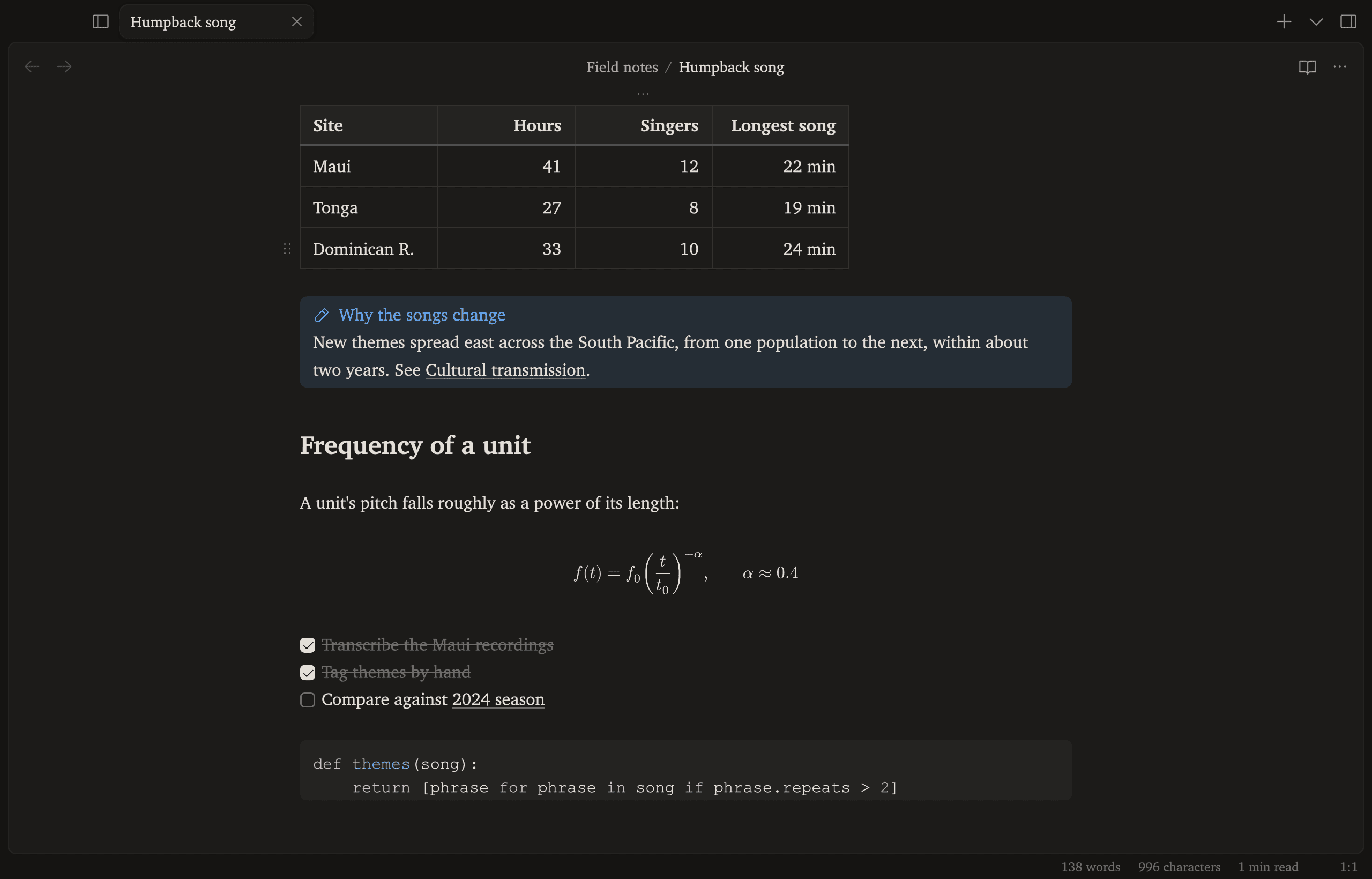
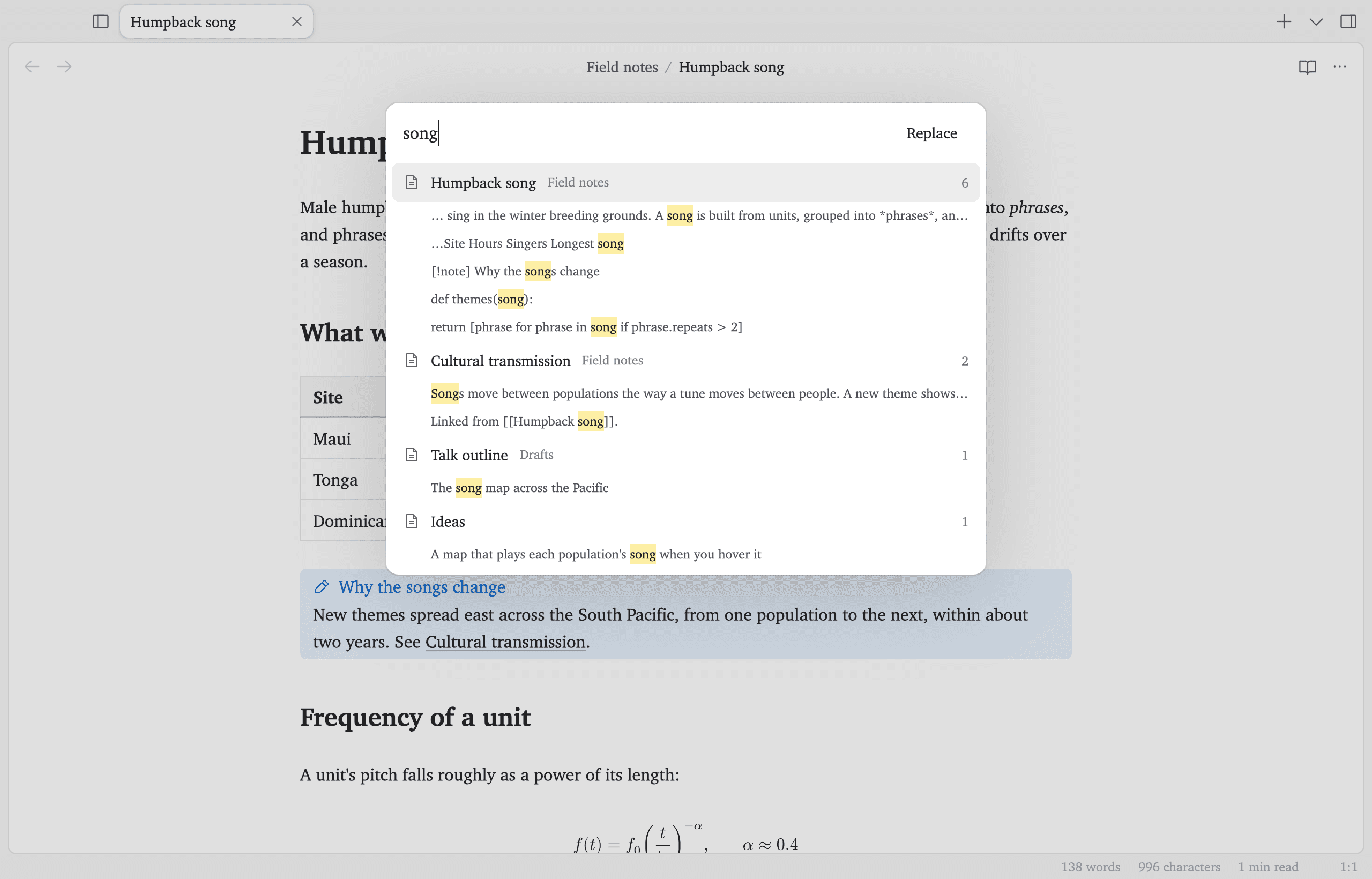
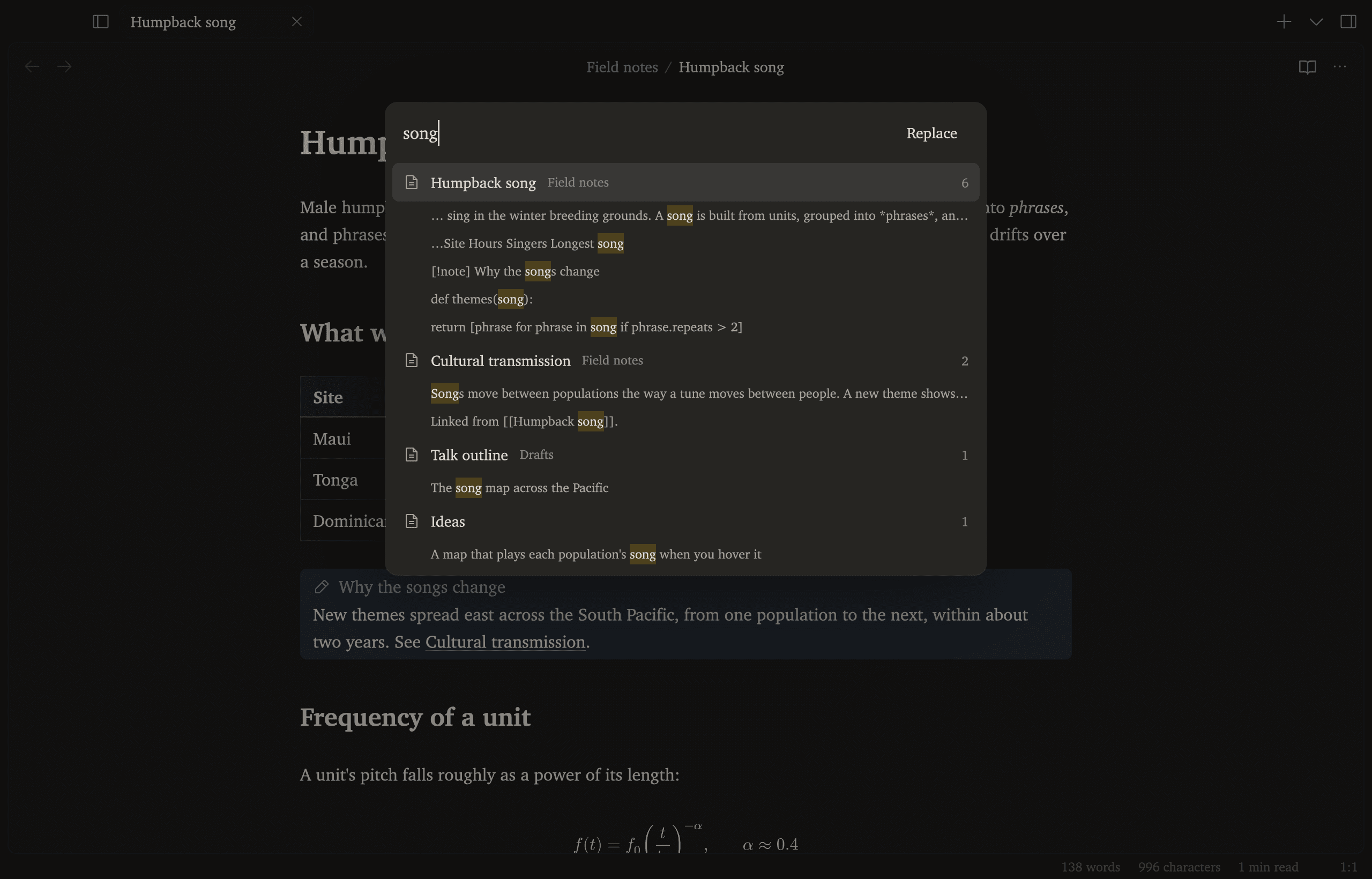
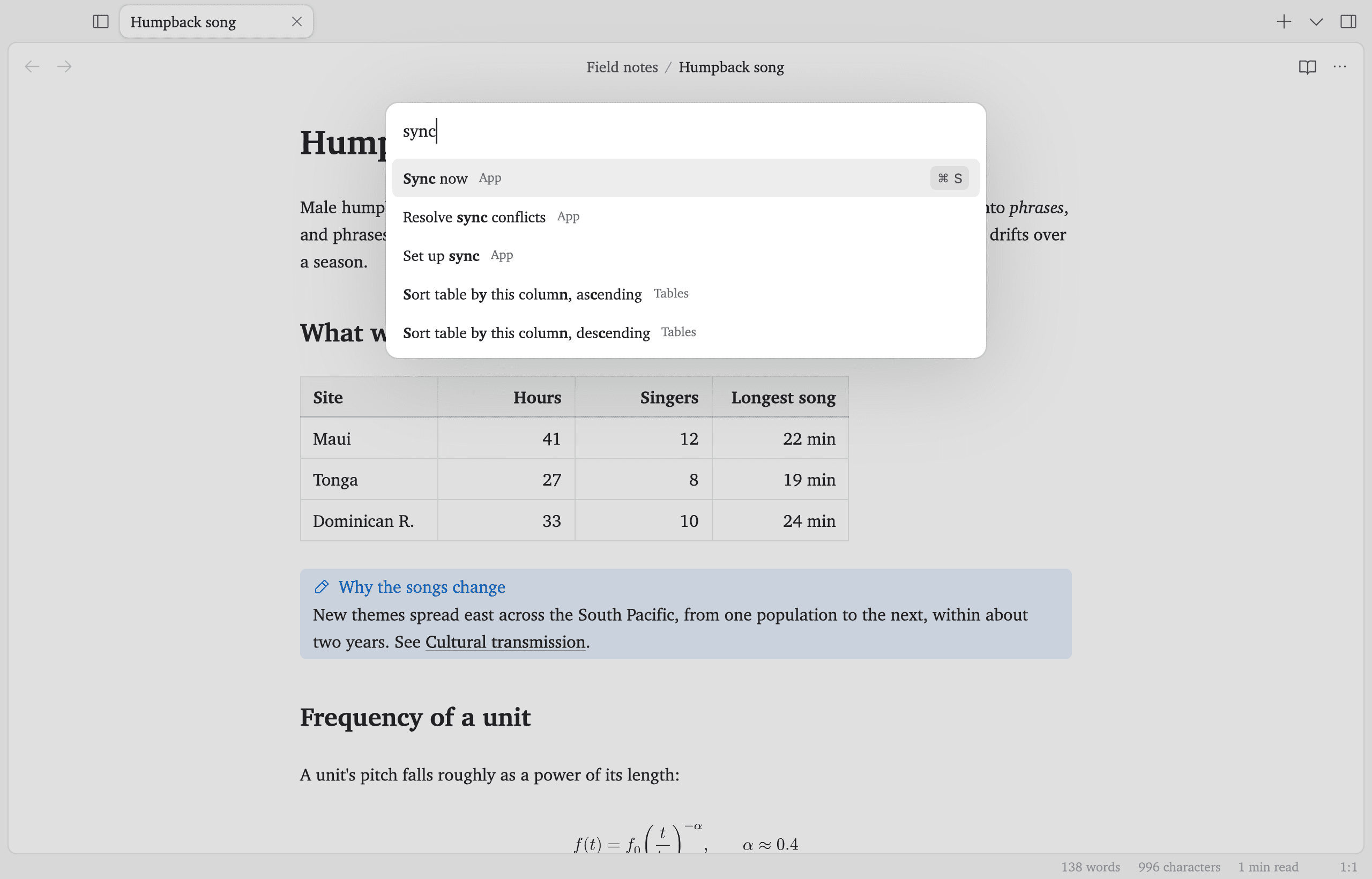
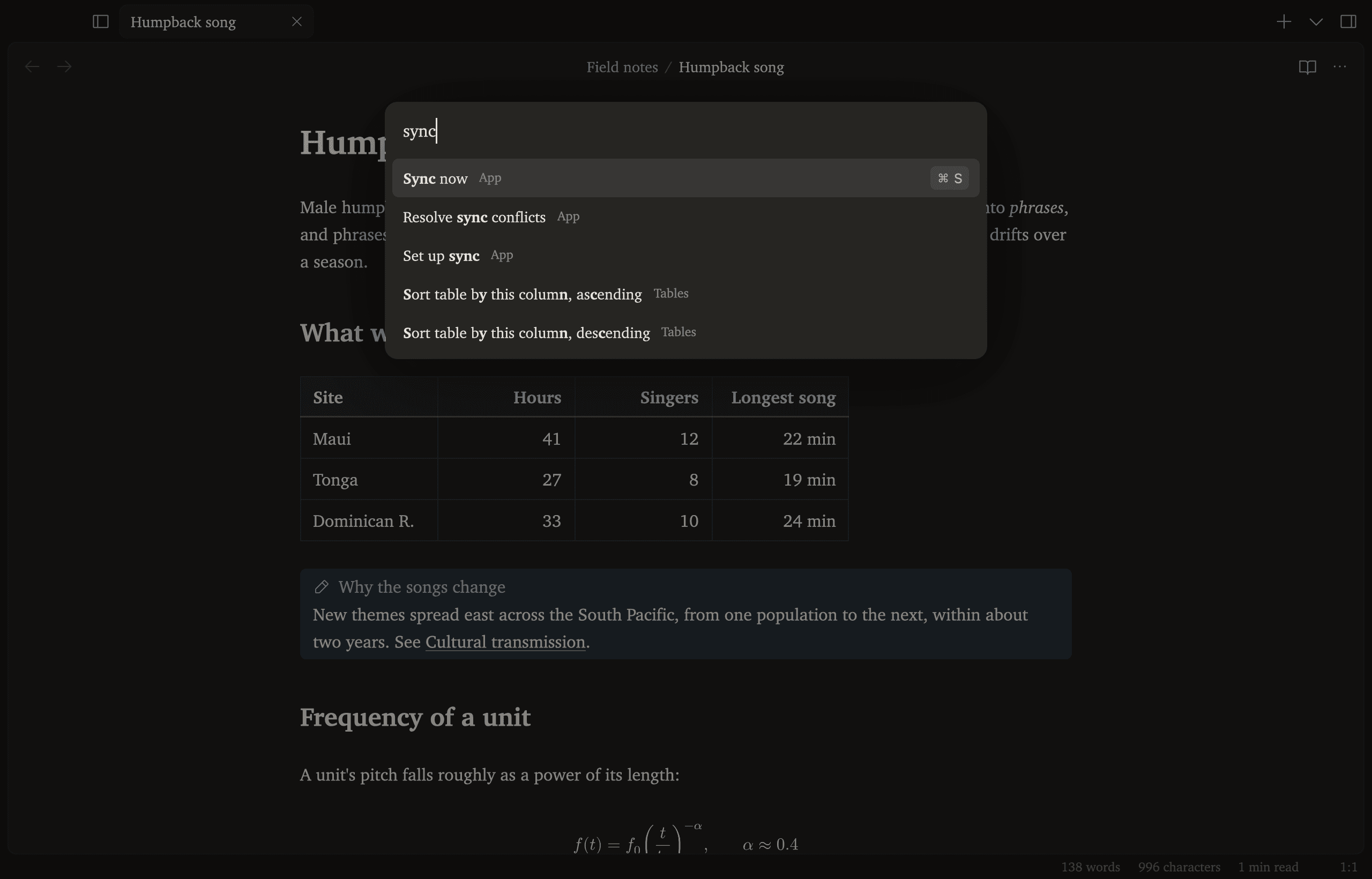
Tables, callouts and highlights are formatted in place, and the Markdown comes back on the line you're editing.
Change it by asking
Trip to Lisbon
Flights are booked for the 14th. Ana sent a list of places to eat, which I copied into Food. The tram up to the castle is the one to take early, before the queue.
Pack light: the flat has a washing machine, and Packing has the rest.
Pick a request, and the lines it adds to Gasp's settings show here.
Everything else
Search
Every note, as you type
Command palette
⌘P runs anything
Math
LaTeX renders in place
Spelling and grammar
Checked offline, on your Mac
Sync
Free, through iCloud or GitHub
Obsidian vaults
Open the folder you have
AI agents
Claude can read and edit notes
HTML export
Any note as a web page
“It’s crazy fast.”
“Works very well, very smooth, very cool.”